JavaScript Modules: Import and Export Explained
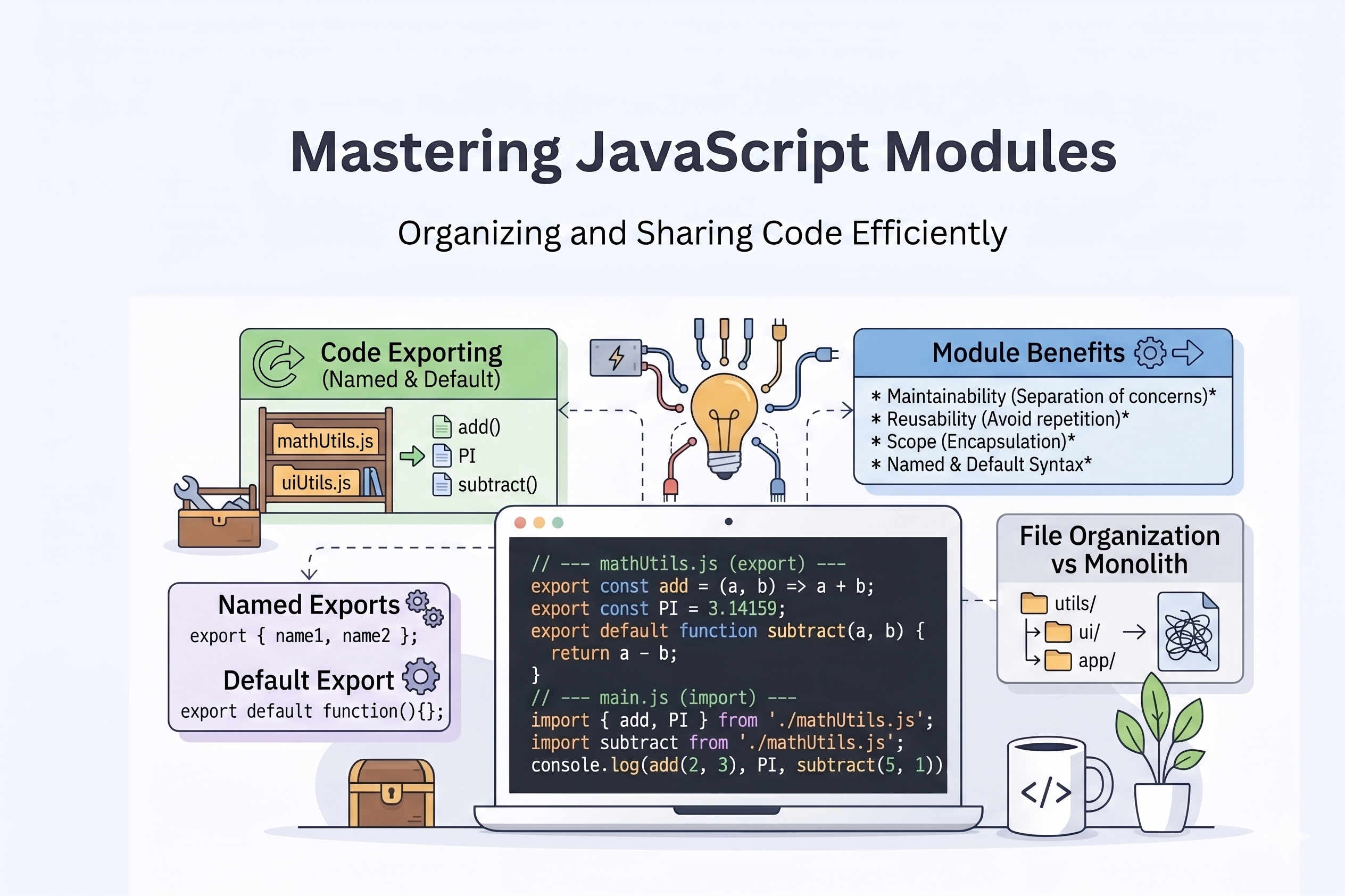
When we learn JS first time we do almost all of our work in same file but Eventually then you learn more and start building something the files starts growing and if you write all of your code in same file it will go too much messy and very hard to debug
That's why Modules comes in picture
JavaScript Modules
This is the modern JS feauture, help us to import or export the functions, values from the one file to other so that our code is manageable and easy to debug
Export
for exporting any function,classes or variable we use export syntax to export it
//Exporting from math.js file

export const add = function(a,b){
    return a+b;
}
Import
For import a variable,class or function from a another file or directory we use import syntax also called dynamic import
//Importing values form math.js file
import {add} from './math.js'
Modules contains:
Functions
Classes
Variables
Objects
Exporting Functions or Values
We use export keyword to export a function from present file to another file or directory
//exporting add from add.js file
export const addition = function add(a, b){
    return a + b;
}
Importing functions
We use import keyword to import a function from another file or directory
// importing add from add.js file
import { addition } from './add.js'

console.log(addition(23,24));
Importing modules
We can also import some modules from the global after installation or in-build packages
import express from 'express'
import fs from 'node:fs'
Importing Values as alias
We can import functions,classes,& Objects by custom name
import {math as Arithmetic} from './math.js'
Default Export
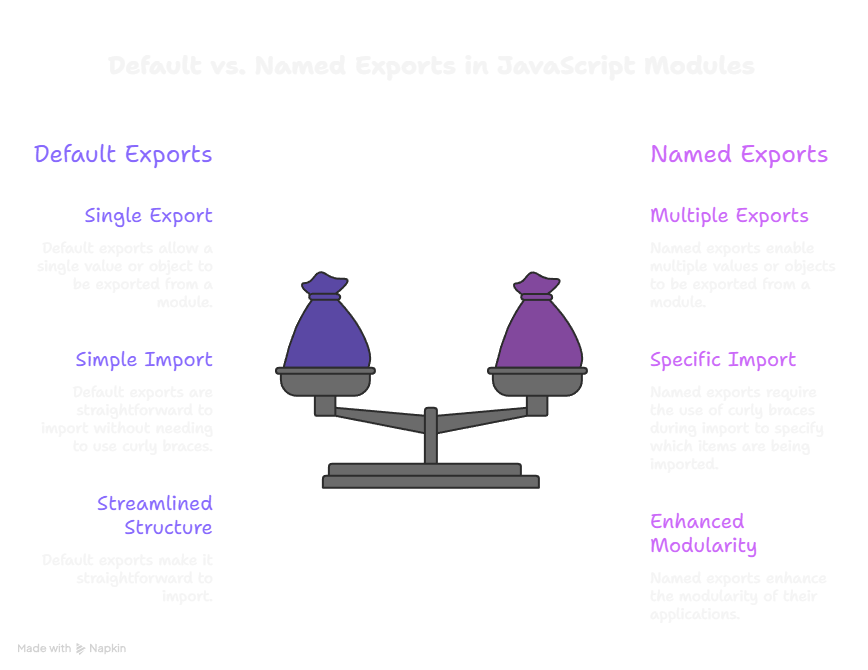
A default export in JavaScript allows a module to export a single "primary" value (such as a function, class, or object) that can be imported into other files without using curly braces {}
export default expression;
export default function functionName() { /* … */ }
export default class ClassName { /* … */ }
export default function* generatorFunctionName() { /* … */ }
export default function () { /* … */ }
export default class { /* … */ }
export default function* () { /* … */ }
Named Export
A named export in JavaScript allows you to export the functions, classes or objects by their name
// math.js
export const add = (a, b) => a + b;
export const subtract = (a, b) => a - b;

// main.js
import { add, subtract } from './math.js';
Default Vs Named Export
Benefits of Modular Code
Easy to manage
Easy to debug
Easy to find a Specific function,class or Object