Error Handling in JavaScript: Try, Catch, Finally
Introduction
Let's suppose you have made an A.T.M transcation from a ABC atm machine You have entered the the amount and password of the debit card then just suddenly the atm machine frezzes and didn't responding anything on any key pressing Just imagine the frustration level of the Customer
That's why the error handling comes in the picture
Error handling is the one of great feature of javascript
What errors are in JavaScript ?
In any language errors happens when you can not execute a piece of code then the language returns a failure
In JavaScript when you try to execute somthing that JavaScript can not understand it throws an error, Which stops your application
Common types of errors
Here are some few very common errors found in JavaScript
Reference Error
This error comes when you try to used some value of variable that never be declared
Example:
console.log(fname);
//It gave error because fname is not defined
Type Error
This error comes when the type is not same as the expected, When you are trying to perform a operation on something that does not supports
Example :
(234).toUpperCase()
Syntax Error
This error comes when you typed the wrong syntax of some code , or you have destructured the code because of that the interpreter can not understand the structure of your code
Example :
function abc({
    //code
}
Range Error
This error comes when your typed value is out of range
Example :
new Array(-1);
Error Handling
Error handling means that you are handling the error so that your application doesn't crash or freeze when an error occured.
Using try and catch blocks
The common error handling method is using try catch tool to handle the errors
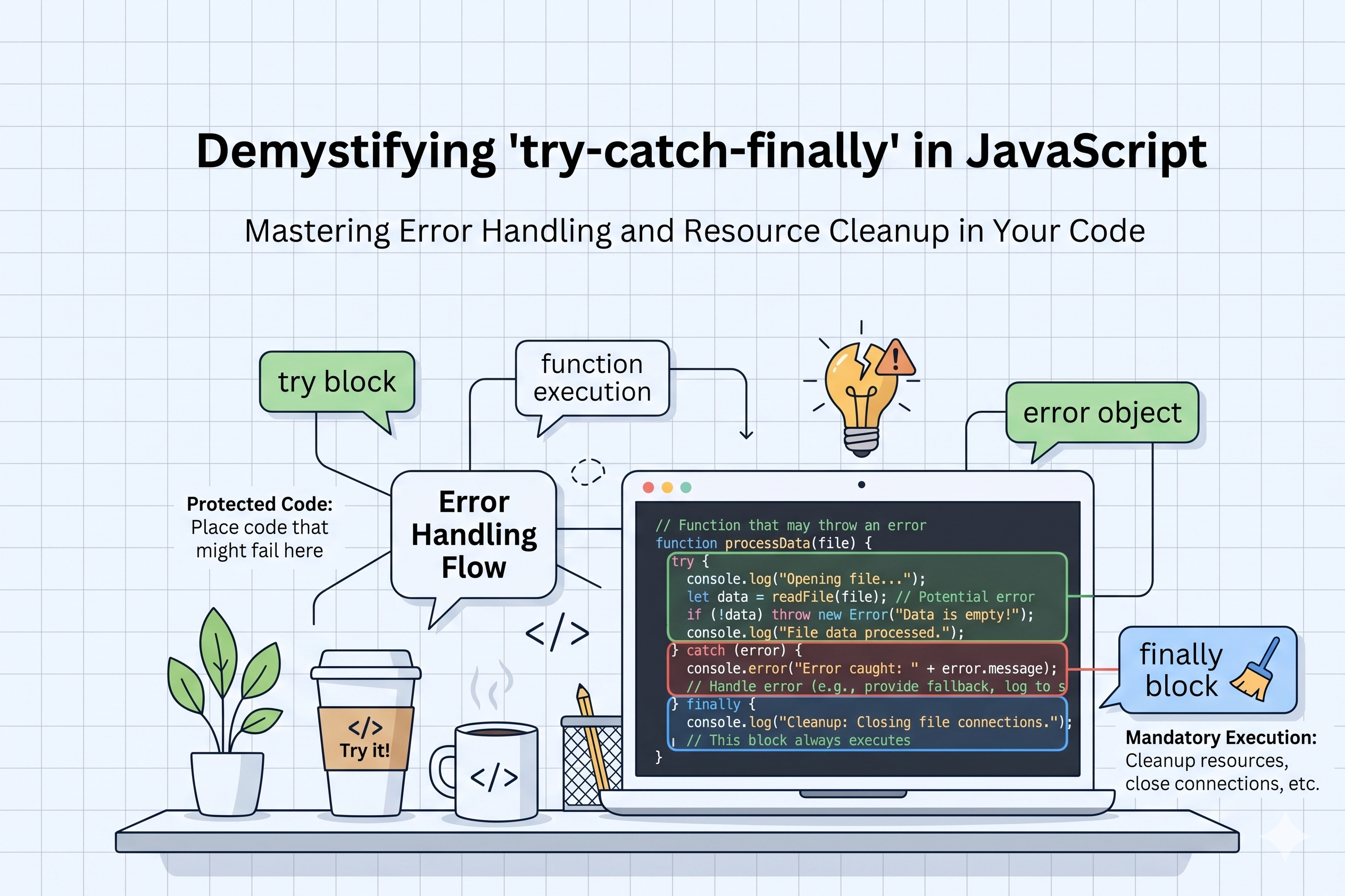
try : in this block you write that code that might be failed
catch: in this block you handles that if error comes in try block you will handle it in catch block
Example :
try {
  let data = JSON.parse(invalidJsonString); // This might fail!
  console.log(data);
} catch (error) {
  console.error("We couldn't read the data:", error.message);
}
The finally block
In this block we write the code that will be run whether the error comes or not this block will always run
Example :
try {
  let data = JSON.parse(invalidJsonString); // This might fail!
  console.log(data);
} catch (error) {
  console.error("We couldn't read the data:", error.message);
}finally {
  console.log("Ended")
}
Throwing custom errors
Sometimes the code is working and there will no error occured but we didn't want to allow the user to cross the limit or don't want to access him
Example :
function withdraw(amount) {
  if (amount > 5000) {
    throw new Error("Daily limit exceeded");
  }
  return "Withdrawal successful";
}

try {
  console.log(withdraw(7000));
} catch (err) {
  console.log(err.message);
}
Conclusion :
The try , catch , finally are the very good features of JavaScript to handle the errors gracfully, we don't want to crash or freeze our application so we use these to handle the unexpected failures...